Saving Parcels
Save parcels when you want to come back to them later, organize them into groups, print a group, or export selected records.
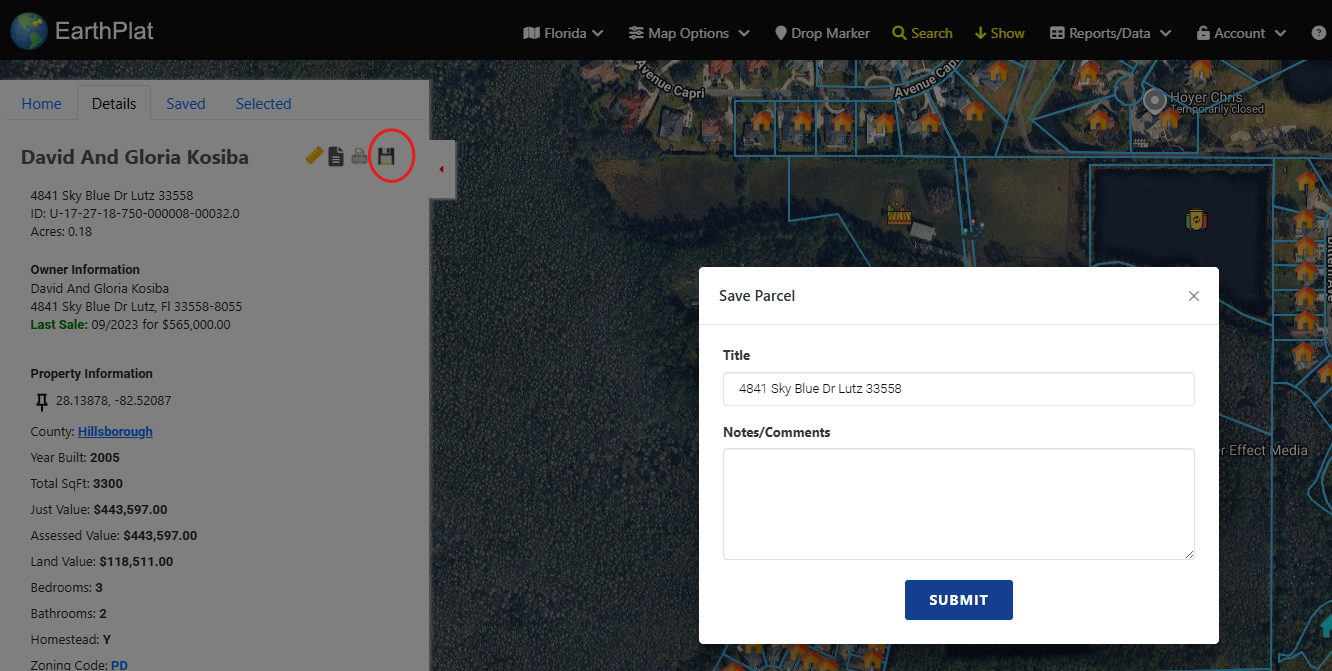
- Open a parcel in the Details tab.
- Click the save icon near the top of the details pane.
- Add or update the parcel title and notes.
- Save the parcel to your saved list.