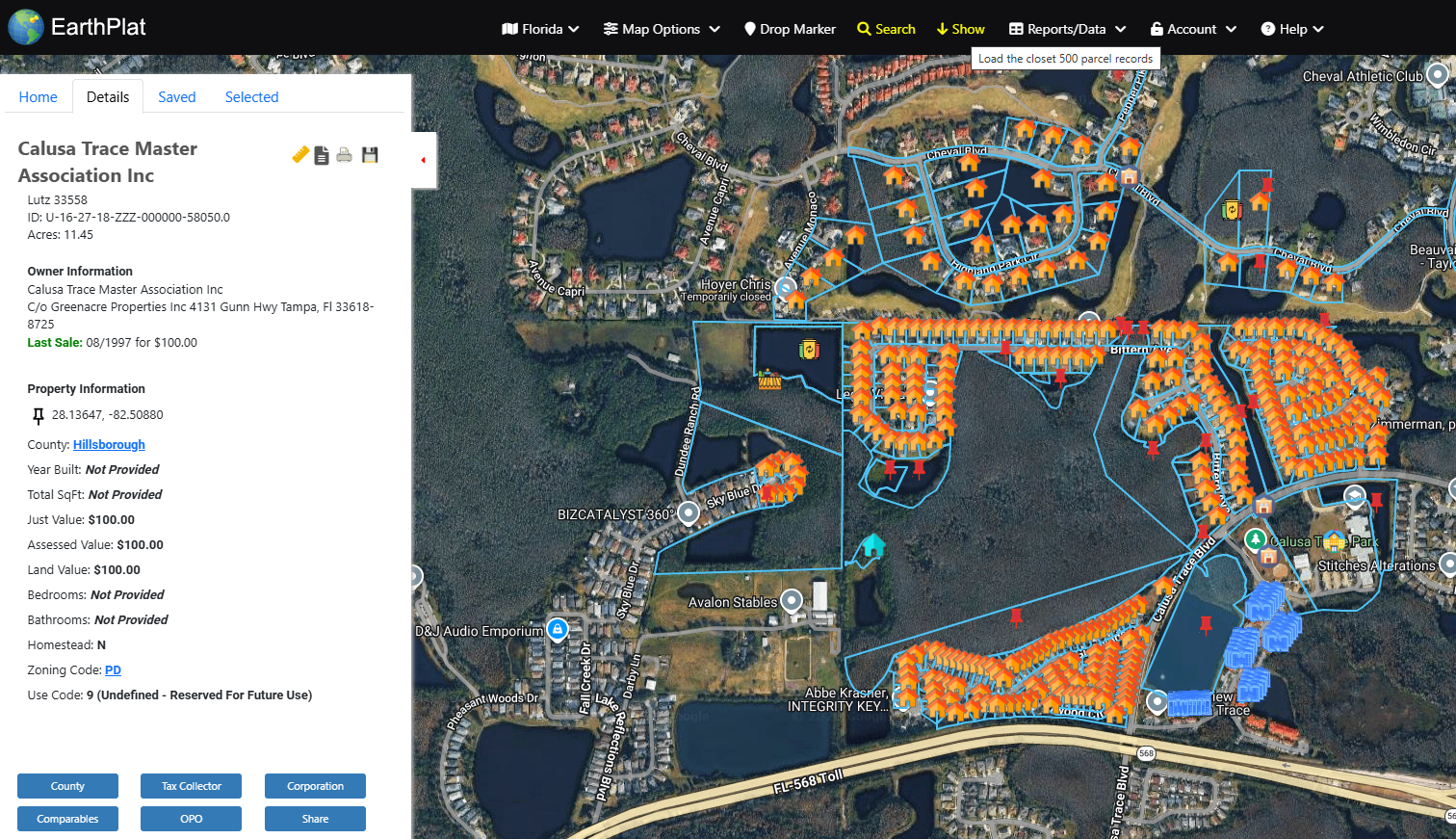
Show Parcels
The Show command loads parcels near the current map location. It is useful when you are already looking at an area and want to see nearby parcel boundaries and records in the grid.
- Move or zoom the map to the area you want to inspect.
- Click Show in the top menu.
- Review the parcel grid at the bottom of the map.
- Click a row to select it, or double-click a row to center and zoom to that parcel.
If you are near a state boundary, confirm the state menu shows the state you want before running Show.